
Go beyond the login page.
Test the parts of your site your customers actually use. Save sign-in details in a test profile, then choose it when you start a scan.
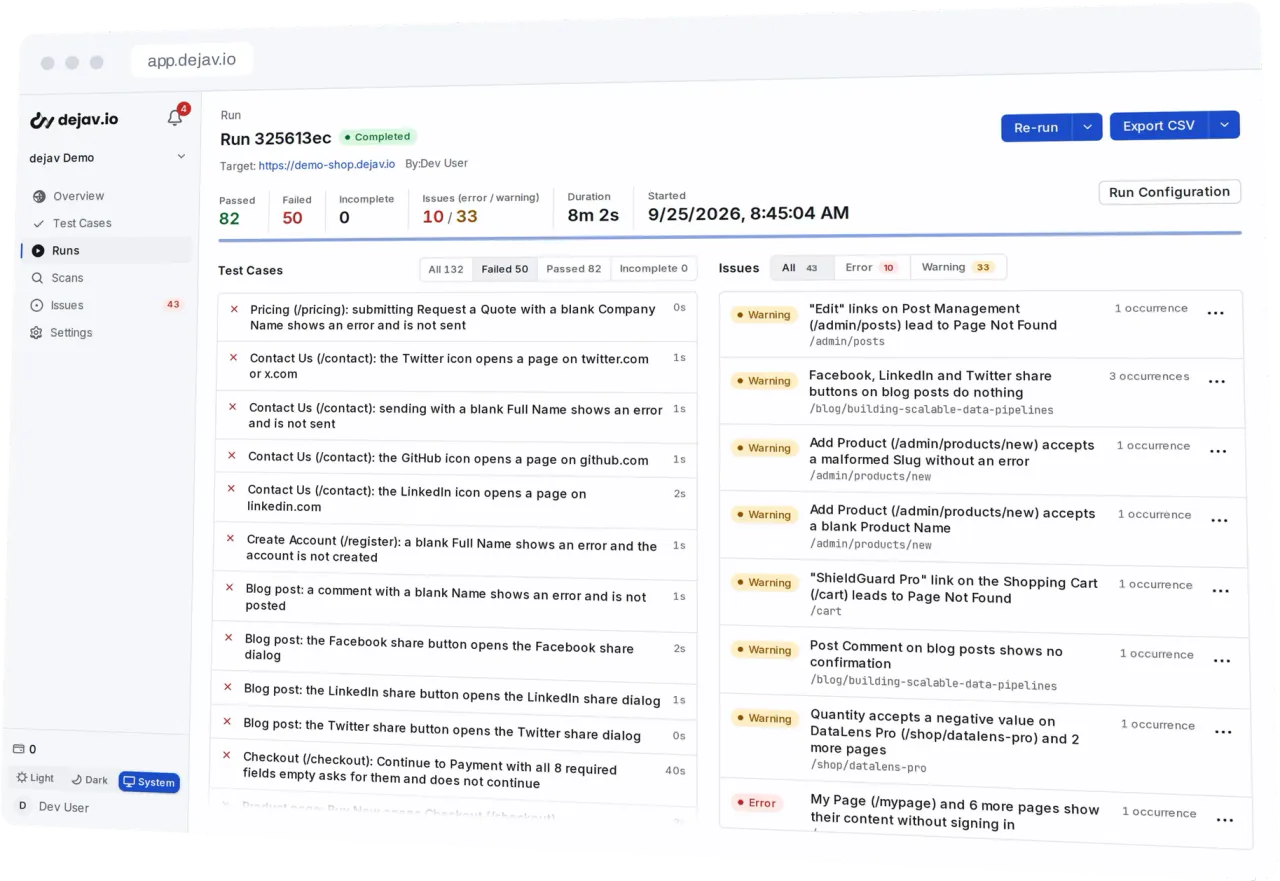
Write down what your app should do in plain language. dejav turns it into test cases and runs each one in a sandboxed browser, with a screenshot of every step and a replay of the session.
Free for one site.
See how it works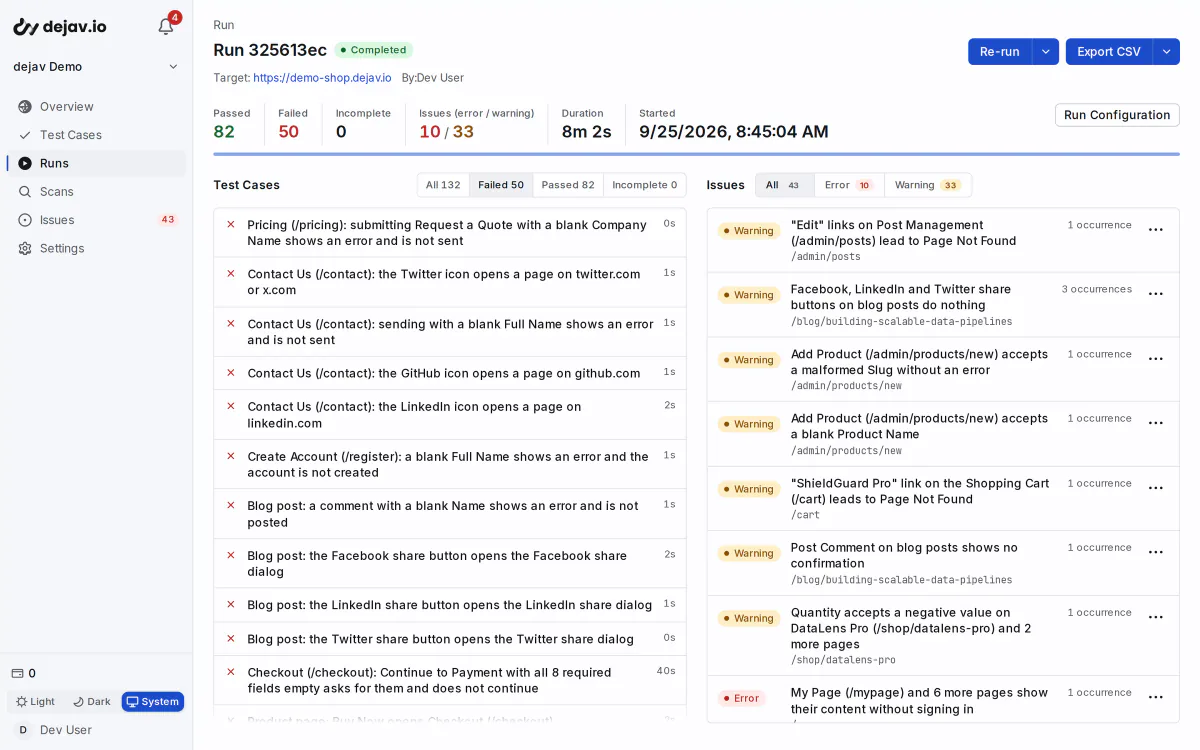
Paste a description of what your app should do. Bullet points, prose, and rows copied from a spreadsheet all work.
Users can sign up with email and password
Coupon SAVE10 takes 10% off the cart
Stock decrements after a purchase
Rows copied from a spreadsheet work too.
dejav reads the description against your site's pages and writes test cases, including edge cases and invalid input you did not list.
From “Coupon SAVE10 takes 10% off the cart”
+ 5 cases from the other 2 lines
Choose Run. dejav handles any preparation automatically and records the results and screenshots in the same run.
Run passed
Replay the saved steps without extra credits. If a UI change breaks a test, dejav attempts to repair the operation automatically.
9 cases · 8 passed · 0 credits · 1 repair attempted
Each test case records a result for every step, a screenshot with the element it acted on outlined, and a replay of the session. Steps that check an expected result pass or fail. When a case fails, you can see which step failed and what the page looked like.
1 · click: quantity stepper, 1 → 2
check: expected $168.00, screen still reads $84.00
One click files an issue in your GitHub repository. dejav writes it from what the run recorded.
[visual/error] Menu opens under the hero on mobile #128
acme-qa commented
Bug Report (dejav)
Category: visualSeverity: errorPage: /pricingRun: 7c1e04b2-9d3f-4a61-b8e0-52c4f1a7d690 / Runner 1First seen: 2026-09-24T09:12:40.318ZOccurrences: 3
Description
The menu opens under the hero at 390x844, so its links cannot be tapped.
Screenshot
Found by dejav, autonomous web testing
Labels
Run the same tests again. Runs that need no preparation or repair use no extra credits.
First run
Choose Run. dejav prepares the test when needed and records the browser execution in the same run.
Replay
Runs that need no preparation or repair use no extra credits. Results and screenshots are recorded each time.
Run + repair
If a page change prevents an operation, dejav attempts a repair automatically. Expected results stay the same; successful repairs use credits.
For each feature you describe, dejav also writes test cases you did not list, such as double submits, empty states, and malformed input.
Bring your specs, test behind a login, and keep the results in your workflow.
Test the parts of your site your customers actually use. Save sign-in details in a test profile, then choose it when you start a scan.
Connect a folder in your GitHub repository. dejav reads its Markdown files before each scan.
Create tests, run them, and retrieve results from Codex, Claude Code, or your terminal. Planned support for your existing tools.
Automatic tests for each pull request’s preview environment, with results and evidence in GitHub. Coming to your review workflow.
Choose English or Japanese per project for test steps, failure reasons, and issue descriptions.
Import your test cases from a CSV or TSV file.
Export test cases, run results, and issues as CSV files.
Close issues with a reason. If a resolved bug returns, it opens as a new issue.
Your first site is free. Runs that need no preparation or repair are included in your plan.
$0no time limit
No credit card needed.
$12/ month
Every account starts on Free.